A Hacker's Guide to APK Analysis with DexKraft
A step-by-step tutorial on decompiling and analyzing Android applications using our open-source tool.
Legal Disclaimer
This guide is for educational and authorized security research purposes only. Ensure you have explicit permission before decompiling any application you do not own.
Why Reverse Engineer an APK?
Before we dive into the "how," let's talk about the "why." Reverse engineering an Android application (APK) is a fundamental skill for any mobile security researcher, developer, or hobbyist. It allows you to peek under the hood to:
- Find Security Vulnerabilities: Uncover hardcoded API keys, insecure data storage, or flawed business logic.
- Understand Malware: Analyze how malicious applications operate, what data they steal, and how they communicate with their command-and-control servers.
- Learn from Other Apps: See how other developers implement certain features or solve complex problems (for educational purposes, of course).
- Check for Privacy Leaks: Verify what data an application is collecting and where it's being sent.
The initial setup for this process, however, can be tedious. You need to download and configure multiple tools like JADX and Apktool, manage Java versions, and handle different command-line syntaxes. This is exactly the problem we built DexKraft to solve.
From Our Toolkit to Yours: What is DexKraft?
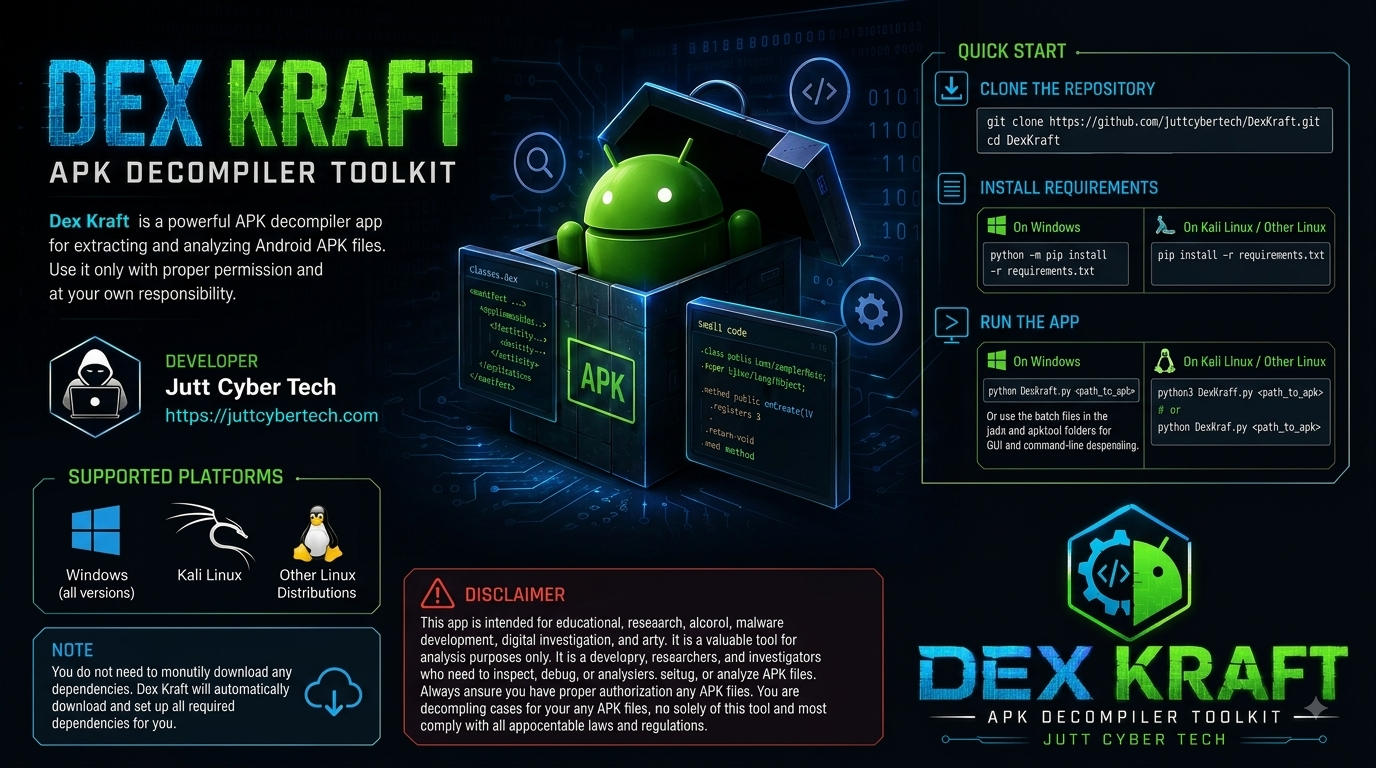
As security professionals at Jutt Cyber Tech, we spend a lot of time analyzing Android apps. We grew tired of the repetitive setup process for every new environment. So, we built DexKraft for ourselves—a simple, powerful toolkit that automates the boring stuff. It bundles essential tools like JADX and Apktool into a single, user-friendly interface.
It handles dependency downloads and gives you a clean GUI to decompile APKs into readable Java code or extract application resources with just a few clicks. We decided to open-source it so that other researchers and developers could spend less time on setup and more time on actual analysis.
Step 1: Installation
Getting DexKraft running is simple. We've designed it to handle its own dependencies, so you don't have to hunt down the correct JAR files. dependencies.
- Clone the repository:
git clone https://github.com/juttcybertech/DexKraft.git cd DexKraft - Install Python requirements:
# This installs the Python libraries needed for the GUI pip install -r requirements.txt - Run the application:
python3 DexKraft.pyOn its first run, DexKraft will automatically download the necessary JADX and Apktool JAR files.
Step 2: Decompiling an APK
Once you launch DexKraft, you'll be greeted by its straightforward graphical interface. The real work begins here, but we've made it as painless as possible.
- Click the "Select APK" button and choose the Android application file (`.apk`) you are authorized to analyze.
- You now have two primary paths for your analysis, each serving a different purpose:
- Decompile to Java (with JADX): This is your go-to for understanding the application's behavior. JADX does a remarkable job of converting the compiled Dalvik bytecode back into semi-readable Java source code. This is where you'll trace the application's logic, follow data flows, and hunt for programming mistakes.
- Extract Resources (with Apktool): This option unpacks the APK into its raw components. It's essential for examining the `AndroidManifest.xml`, viewing layout files (`.xml`), inspecting images, and finding other assets. It also gives you the Smali code, which is a human-readable representation of the bytecode—useful for more advanced patching and analysis.
For a first pass, it's often useful to do both. Start by extracting resources to get a high-level overview from the manifest, then decompile to Java to dive deep into the code.
- Select your desired action. DexKraft will create a new folder in the same directory as the APK, containing all the output files.
Step 3: Basic Analysis
Now for the fun part. With the source code and resources extracted, you can put on your detective hat. Here are some common starting points for any APK analysis.
A. The Blueprint: `AndroidManifest.xml`
Always start here. Located in the resources folder extracted by Apktool, this file is the application's blueprint. It declares the app's components, permissions, and hardware requirements. Open it and look for:
- Excessive Permissions: Does a simple calculator app really need access to your contacts and location? Overly permissive apps are a major red flag for privacy and security.
- Exported Components: Search for `android:exported="true"`. When an activity, service, or broadcast receiver is exported, it can be launched by other apps on the device. This can lead to serious vulnerabilities if the component isn't properly secured.
-
Hardcoded Secrets in Metadata: Sometimes developers store API keys or other secrets in `
` tags. It's a quick win if you find something sensitive here. - Debug Mode: Look for `android:debuggable="true"`. A production app should never be debuggable, as it allows anyone with physical access to the device to attach a debugger and tamper with the app's memory.
B. Hunting for Secrets in the Code
Now, open the Java source code folder in your favorite code editor (like VS Code). The search function is your best friend. Start by looking for low-hanging fruit—hardcoded credentials and sensitive information.
- Common Keywords: Search for strings like `password`, `apikey`, `secret`, `token`, `auth`, and `firebase_database_url`.
- IP Addresses and URLs: Look for hardcoded IP addresses or URLs. Staging or development servers are often left behind. Also, search for `http://` to find insecure, unencrypted connections that could be vulnerable to man-in-the-middle attacks.
- Insecure Storage: Search for `SharedPreferences`. This is a common way for Android apps to store small amounts of data. Check if the app is storing sensitive information like passwords or session tokens here without encryption.
Conclusion
This guide just scratches the surface, but it shows how DexKraft can streamline the initial, often tedious, steps of mobile security analysis. By automating the setup and decompilation process, it allows you to focus your time on what truly matters: finding and understanding potential vulnerabilities.
Ready to try it yourself? Head over to the official GitHub repository to download DexKraft and start exploring.